
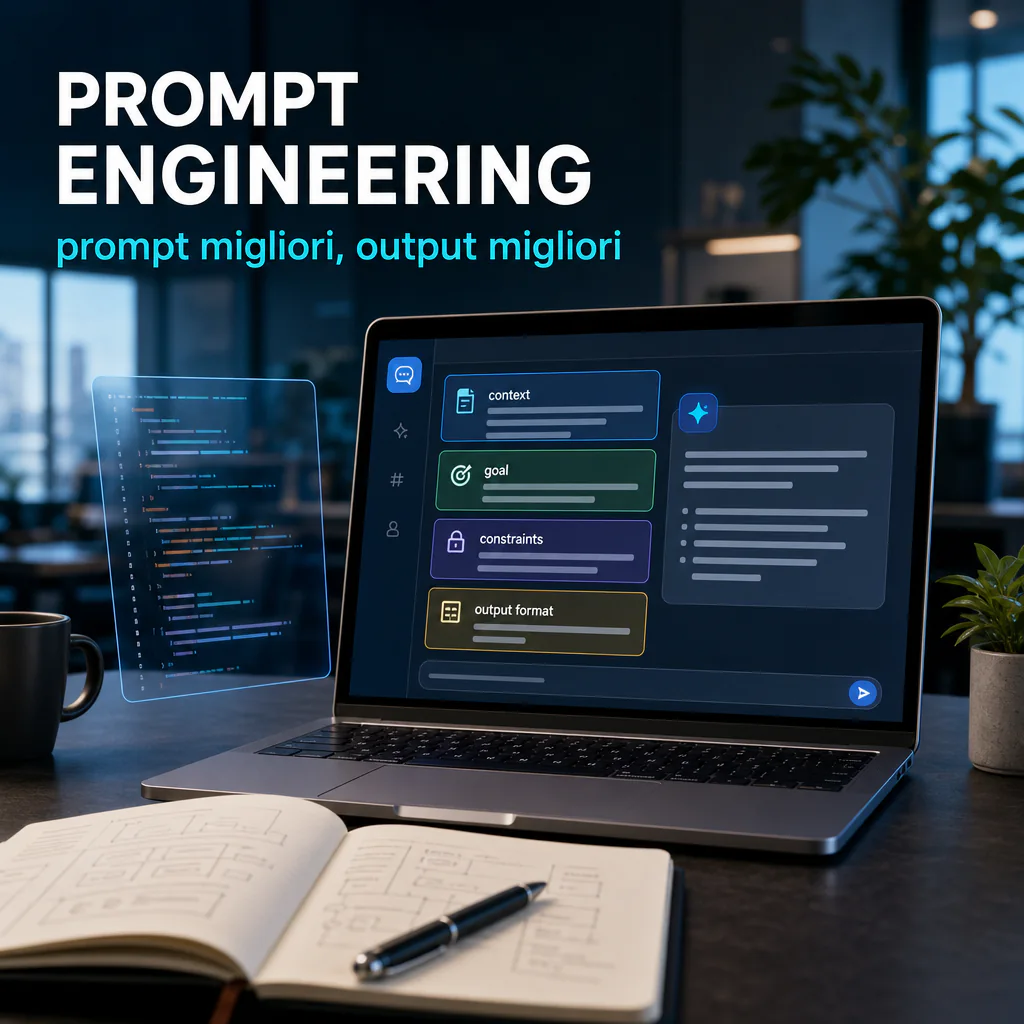
Prompt engineering is not just about “talking better” with an AI model. It is about getting more useful, more stable answers that are closer to the result you actually need. If you want a more introductory base, you can start with this guide on what prompt engineering is; here instead we dive into the operational part, with practical methods, examples, and errors to avoid.
Official guides from the main providers converge on one point: models work better when they receive a clear objective, sufficient context, explicit constraints, and a defined output format. There are no magic formulas. Precision, structure, and iteration are what matter most.
Prompt engineering: what it’s really for
Those who use generative models for work tend to make the same mistakes: prompts that are too vague, requests with mixed objectives, little context, and unstated expectations. The result is predictable: generic output, incomplete code, superficial summaries, or analyses that are difficult to reuse.
Prompt engineering serves precisely to reduce this gap between intention and output. In practice, it helps you:
- get answers more relevant to the task;
- reduce manual corrections after the first response;
- maintain more consistency between similar requests;
- make AI work better on text, research, synthesis, analysis, and code;
- transform occasional model use into a real workflow.
This is why the topic is of interest not only to software developers, but also to those working in marketing, operations, customer support, project management, and business automation.
What it’s used for in daily work
In daily work, a good prompt saves time especially in four cases:
- when you need to summarize long information without losing important details;
- when you want to produce code, scripts, or queries closer to the real context;
- when you need a precise format, such as a table, JSON, checklist, or report;
- when you need the same model to repeat a task with consistent quality.
Here is the point: a model can be very capable, but without a well-constructed request, it still tends to fill in the gaps with probabilistic interpretations. Prompt engineering reduces those gaps.
Key principles of prompt engineering
Official documentation converges on some key principles. The names change, but the logic remains the same: be clear, show examples when needed, break down complex tasks, and clearly define the expected result.
Objective, context, and constraints
A prompt works better when it explicitly answers three questions:
- What should the model do?
- With what information should it do it?
- Within what limits should it move?
For example, “write me an article on prompt engineering” is too broad a request. “Write an informative article in English for a business-tech audience, with a natural tone, operational focus, practical examples, and short paragraphs” is already much more useful.
Context prevents the model from choosing the depth level, target, style, and format on its own. Constraints, on the other hand, protect the quality of the output. Among the most useful are:
- maximum length or desired range;
- tone of voice;
- output structure;
- explicit exclusions;
- quality or verification criteria.
Role, format, and quality criteria
Assigning a role to the model is not mandatory, but often helps. Saying “act as a technical editor” or “think like an analyst” can better orient the type of response. It works especially when the task requires specific priorities, such as accuracy, readability, completeness, or synthesis.
Even more important is defining the output format. If you want a ready-to-use answer, asking “give me a summary” is not enough. It is better to specify the final content:
- table with fixed columns;
- list of priority points;
- valid JSON;
- email ready to send;
- code snippet with minimal comments.
A good prompt also includes the criteria by which to judge the result. For example: “prioritize accuracy over creativity”, “if a piece of data is not verifiable, state it”, “avoid generic introductions”, “use real and not abstract examples”.
Examples for real activities
Theory is useful up to a point. The real leap comes when you see examples linked to concrete tasks. Below you will find some simple structures, adaptable to work, study, or development.
Example for research and synthesis
Weak prompt:
“Summarize this text.”
Better prompt:
“Summarize this text for a marketing manager. Keep only concepts with operational impact. Organize the response into 3 sections: problems, opportunities, next actions. If you find poorly supported claims, point them out.”
Why it works better:
- defines the recipient;
- explains what to keep and what to discard;
- imposes a useful structure;
- introduces a reliability check.
Example for coding and debug
Weak prompt:
“Fix this code.”
Better prompt:
“Analyze this Python script. Identify the bug causing the JSON parsing failure. Explain the problem in 3 points, then propose a corrected version keeping the business logic unchanged. Do not introduce external dependencies.”
Here, prompt engineering improves precision because it separates analysis, explanation, and fix. If you often work on these tasks, it may also be useful to compare tools and models in the guide on how to choose the best AI for programming.
Example for content
Weak prompt:
“Write an article on prompt engineering.”
Better prompt:
“Write an article in English on prompt engineering for a B2B audience, with an operational focus. Use short sentences, flowing paragraphs, H2 and H3, real examples, no conclusion, and focus on best practices, common errors, and use cases.”
In this case, the model receives a clear brief and can produce a text much closer to the final result.
Best practices for more reliable output
The most useful practices are not the most spectacular, but those that improve quality in a repeatable way. If we had to reduce everything to an essential checklist, this would be a good base.
Write clear and direct instructions
Avoid long-windedness. Models respond better when the task is formulated simply. Instead of accumulating messy context, put what matters right at the top:
- objective;
- recipient;
- available input;
- constraints;
- final format.
A very common practical structure is this:
| Block | What it contains | Why it helps |
|---|---|---|
| Objective | The task to complete | Reduces ambiguity |
| Context | Data, target, scenario | Improves relevance |
| Constraints | Length, tone, exclusions | Controls quality and scope |
| Output | Expected format | Makes output reusable |
| Criteria | How to evaluate the response | Reduces generic responses |
Use examples when format matters
If you want a precise pattern, show an example. Few-shot prompting is useful especially when asking for:
- classifications;
- data extractions;
- consistent response styles;
- technical outputs in a standard format.
Showing a correct example is almost always more effective than describing for many lines what you don’t want.
Break down complex tasks
When the task is complex, it is better to divide it into steps. A single, too-dense prompt often worsens the result. It is better to separate:
- data collection;
- analysis;
- synthesis;
- final production.
This approach is very useful in automations, editorial flows, and development tasks. Different tools also influence how you build requests: this is why it makes sense to evaluate stacks and interfaces, for example, in the overview of the most useful vibe coding tools to write code better.
Iterate instead of chasing the perfect prompt
One of the most underrated principles of prompt engineering is iteration. There is no single perfect formulation. There is a process of improvement.
A very practical sequence is this:
- write a first version of the prompt;
- evaluate where the output is weak;
- add context or constraints only where needed;
- repeat the test on different inputs;
- save the version that holds up best in real cases.
This step is decisive especially in teams, where prompts must be reusable and not depend on the intuition of a single person.
Common errors that worsen results
Many problems attributed to the model actually stem from poorly written prompts. The most frequent errors are few, but they weigh heavily on output quality.
Vague or too generic prompts
“Make me a plan”, “write better”, “analyze this”, “improve the text”. These are too open requests. The model has to guess context, objective, and quality standard. The more it has to guess, the higher the risk of a mediocre response.
The correction is almost always the same: define recipient, objective, level of depth, and format.
Too many objectives in the same prompt
Another typical error is asking for analysis, creativity, synthesis, source verification, and final output all at once. The result tends to be confused. If there isn’t a single priority, the model distributes attention and lowers the average quality.
Better to divide the work into blocks. First analysis, then selection, then rewriting. It is more controllable and often faster in the final result.
Conflicting instructions
This often happens in long prompts. For example:
- “be complete but very brief”;
- “use a technical tone but simple for beginners and experts alike”;
- “do not omit details, but stay under 300 words”.
When constraints clash, the model has to find a middle ground. And the middle ground, usually, is not the best possible result.
Absence of control criteria
If you don’t indicate how to evaluate the response, the model may optimize for fluency instead of precision. For some tasks, that’s fine. For others, it’s not. In activities like technical analysis, research, or code production, it’s better to add instructions such as:
- if information is missing, say so;
- do not invent data;
- if there are assumptions, separate them from facts;
- highlight limits and uncertainties.
How to apply it to study, teams, and automations
The true value of prompt engineering emerges when it stops being improvisation and becomes a method. This applies to those who use ChatGPT occasionally, but even more to teams who want to standardize repetitive activities.
Personal workflows
For personal use, the best strategy is to create small reusable templates. There is no need to start with very long prompts. Simple structures for frequent tasks are enough:
- meeting summary;
- document analysis;
- guided brainstorming;
- email review;
- code debug;
- translation with controlled tone.
Over time, these templates become more effective because you refine them on real cases, not theoretical examples.
Use in teams
In a company, the critical point is not just getting a good answer once. It is getting it consistently across different people. Here, three practices become important:
- saving prompts that work;
- versioning them when they are modified;
- testing them on different inputs before considering them standard.
The quality of a prompt is not judged by the case where it went well, but by how it holds up across a series of similar cases.
Automations and business processes
When the model enters a broader workflow, for example in Make.com, in an editorial pipeline, or in an internal process, the prompt must be even more disciplined. In these contexts, the “wow” effect matters less and robustness matters more.
A good prompt for automations should:
- receive well-delimited input;
- produce output that is easy to parse;
- minimize ambiguity and useless text;
- explicitly handle missing or incomplete data;
- maintain a stable format over time.
For this reason, in real processes, prompts that seem colder but are clearer and more testable often work better. Prompt engineering is not creative writing applied to AI. It is operational instruction design.
A practical rule to keep in mind
If you want to improve results quickly, use this rule: don’t just ask for the topic, specify the task. Don’t say “tell me about prompt engineering”. Instead, say what the model should do with that topic, for whom, with what limits, and in what form.
This is the step that separates an interesting answer from a truly useful output in daily work.
To delve deeper with updated official sources, the OpenAI guide on prompting fundamentals, the Anthropic prompt engineering overview, and the Google guide to prompt design strategies remain useful, all aligned on one central point: clarity, examples, and testing almost always beat improvised prompts.