
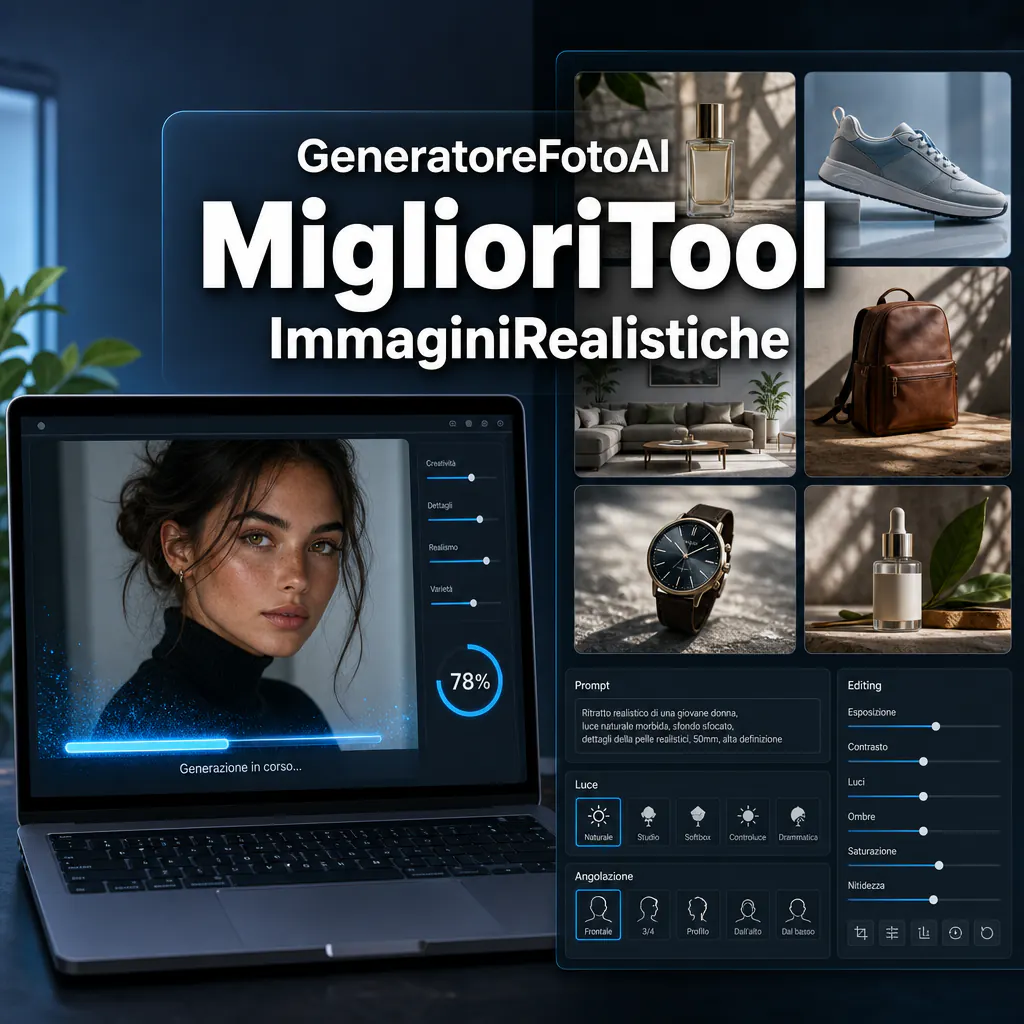
Those looking for an AI photo generator usually don’t just want to create an image. They want a credible result with natural skin, consistent eyes, fewer problematic hands, clean backgrounds, and real control over light, framing, and style. To get started, it’s best to begin with a broader overview of how to choose an AI image generator, because the best tools for illustrations, logos, or social graphics aren’t always the most suitable for photographic rendering. In the photo-first field, the differences between models are concrete: some handle photorealism better, others editing, and others consistency between variants.
In the latest official updates from the main players, the direction is clear: more precision in the prompt, more editing tools, and more control over the final result. OpenAI has pushed hard on native generation in GPT-4o, with a strong focus on conversational consistency, adherence to instructions, and the ability to modify uploaded images. Adobe Firefly, on the other hand, continues to position itself well for commercial workflows and integration with editing and retouching. Midjourney remains very strong on visual impact and aesthetics, while Ideogram and other tools stand out for ease of use, speed, and assisted prompting support.
What makes an AI photo generator valid
To truly judge an AI photo generator, looking at a successful image on the homepage isn’t enough. You need to understand how it behaves under normal conditions, with realistic prompts and concrete requests. If you need to produce visuals for e-commerce, portraits for ads, product mockups, or lifestyle scenes, six factors are paramount:
- Facial realism: symmetry, expression, skin, eyes, teeth, and hair.
- Anatomy: hands, fingers, posture, shoulders, proportions.
- Consistency: same person or same object across multiple variants.
- Prompt control: ability to follow specific details.
- Editing: local modification, element replacement, scene expansion.
- Business-ready quality: output usable in ads, catalogs, concepts, or commercial content.
The key point is that a beautiful image doesn’t always equal a useful image. A marketing team, an e-commerce store, or a creative agency needs consistency, not just a wow effect. If a model creates a stunning scene but often fails on hands, text on objects, or product details, the time lost in correction can cancel out the initial advantage.
When to choose a photo-first model
A photo-first model makes sense when you want images that look shot, not illustrated. This is the case for:
- packshots and product concepts;
- realistic portraits;
- advertising settings;
- lifestyle scenes for landing pages;
- visual mockups of campaigns or collections;
- creative tests for Meta and Google ads.
If, instead, you are looking for stylized images, concept art, or more illustrative graphics, you might get better results with tools less oriented toward photography. For those who want to delve deeper into the operational process, it may also be useful to read how to generate images with AI, especially to understand the real weight of the prompt compared to the chosen model.
The most interesting tools today for photorealistic images
Among the most relevant tools today, it’s useful to distinguish between models strong in pure photorealism, models strong in editing, and models strong in creative control.
GPT-4o for conversational control and iteration
OpenAI introduced native image generation in GPT-4o with a very clear positioning: not just beautiful images, but useful images. This translates into three practical advantages. First is adherence to complex prompts. Second is continuity between steps of the conversation. Third is the ability to work starting from an uploaded image, useful when you need to refine an existing visual.
For portraits, quick mockups, ad visuals, or scenes with precise instructions, this setup is very convenient. It’s not just a matter of aesthetic quality, but of reducing steps. In a real workflow, being able to say ‘keep the subject, just change the camera angle and make the light softer’ is a concrete advantage.
Adobe Firefly for commercial use and editing
Adobe Firefly remains very interesting when the work doesn’t end with generation. If you need to refine, correct, expand, or adapt an image to different formats, the Adobe ecosystem carries a lot of weight. Furthermore, Adobe continues to push the concept of commercially usable output and photographic controls that help better guide depth of field, scene rendering, and atmosphere.
For a brand that needs to produce visuals in series, Firefly’s strength isn’t just in the initial result. It’s in the fact that the file can more easily enter a flow with Photoshop, retouching, banner adaptations, social versions, and sales materials.
Midjourney for aesthetics and visual impact
Midjourney continues to be a strong choice when you want images with high impact, high visual taste, and a recognizable aesthetic direction. Its customization functions and editor tools also help drive stylistic consistency. That said, it’s not always the first name to choose if your focus is absolute product fidelity or the operational cleanliness required by an e-commerce catalog.
For creative campaigns, hero images, photographic concepts, and emotional visuals, it remains one of the main references.
Ideogram and other quick tools to evaluate
Ideogram has distinguished itself primarily for features like assisted prompting, useful for those starting with short requests who want help making them more effective. It’s not the only tool on the market, but it’s a good example of how an AI image generator today doesn’t just produce output: it often helps build the prompt better.
This category of tools is useful when you need speed, accessibility, and simple onboarding, perhaps for non-technical teams or those who need to validate many ideas in a short time.
How to evaluate photographic rendering in a practical way
If you are comparing multiple tools, don’t use prompts that are too generic. The correct method is to test the same use cases across multiple models. For example:
- realistic business portrait with natural light;
- product photo on a neutral background;
- lifestyle mockup with a hand holding the object;
- advertising scene with subject, background, and depth of field;
- variation of the same visual in three different shots.
Only this way do you truly understand who handles details, consistency, and corrections better.
Faces, skin, and eyes
Faces remain the harshest testing ground. A good AI image generator must maintain credible skin without a plastic effect, consistent eyes without strange reflections, natural teeth, and readable hair even on edges and backlight. Many tools impress in thumbnails but lose quality as soon as you look at the image closely.
For ad or corporate use, this point carries a lot of weight. A face that is almost right might look good enough in a feed, but appear unprofessional on a landing page or in sales materials.
Hands, objects, and proportions
Hands are no longer the disaster they were a few years ago, but they remain an important test. The same applies to accessories, clothing textures, reflections on glass or metal, and the relationship between subject and background. If you work in e-commerce or product concepts, look closely at:
- how the model renders hand-object contact;
- if the product maintains consistent shape and details;
- if shadows and reflections are plausible;
- if the object changes too much from one variant to another.
Here the difference emerges between an inspirational output and an output that is truly useful to someone selling.
Effective prompts to get better photos
Many mediocre results depend more on the prompt than the model. An AI photo generator works better when it receives clear instructions, not a chaotic list of keywords.
Recommended prompt structure
A simple and practical structure is this:
- subject;
- context;
- framing;
- light;
- material details;
- mood;
- constraints.
Example for a portrait:
Realistic photographic portrait of a 35-year-old Italian professional woman, half-body, modern office in the soft background, natural side light from a window, natural skin, defined hair, confident but empathetic expression, shallow depth of field, clean editorial style, no illustrative effect.
Example for e-commerce:
Photorealistic product photo of a premium cosmetic bottle, legible label, light neutral background, soft shadow, controlled reflections, front shot, high-end catalog style, accurate rendering of glass and metal cap.
What to add to improve control
If the model tends to deviate, you can strengthen the prompt with specific indications on:
- type of lens or camera angle;
- distance from the subject;
- background blur;
- materials to render well;
- strict exclusions, such as extra hands or elements out of scene.
Those who want to start without spending immediately can also compare some free AI image generators, but it should be noted that free plans often limit quality, speed, editing, or the number of attempts. They are fine for initial tests; for professional use, more advanced functions are almost always needed.
When the best tool isn’t the prettiest
One of the most common mistakes is choosing the model that produces the most spectacular image on the first try. In reality, for a company or a professional, repeatability matters more. If you need to create ten consistent variants for a campaign, a tool that is slightly less scenic but more stable can be the better choice.
Business use cases where stability counts
- E-commerce: clean backgrounds, consistent details, recognizable product are needed.
- Ads creative: many rapid variants are needed without losing the concept.
- Landing pages: credible visuals in line with the brand tone are needed.
- Internal mockups: speed is needed, not absolute perfection.
- Commercial presentations: a clean, legible, and defensible image is needed.
In these cases, the correct comparison isn’t which image is prettier, but which workflow gets me to a publishable result faster.
Editing and revision make the difference
Today, quality isn’t just about the initial generation. It’s about the ability to correct an area, change the background, expand the frame, replace a detail, refine a hand, or improve consistency between multiple outputs. From this point of view, tools with integrated editing or strong conversational continuity have a real advantage.
This is also why many images created with AI work well in the concept phase but still require a final revision before being used in a commercial context. The model accelerates the work, but doesn’t always replace human control, especially regarding brand details, product, rights, and visual plausibility.
Real limits of the AI photo generator
Talking only about advantages would be misleading. Even the best models have limits that must be considered before integrating them into marketing or creative processes.
Perfect subject consistency
Keeping the same person identical across multiple scenes, changing only expression or environment, is still one of the most delicate tasks. Some tools improve significantly thanks to conversational context, editing, and visual references, but absolute consistency isn’t always guaranteed.
If the project requires a fixed character, a constant testimonial, or a product with immutable details, it’s better to plan the workflow more rigidly and do targeted tests before producing in volume.
Product fidelity
For complex or very distinctive products, an AI image generator can introduce unwanted variations: different edges, altered labels, inaccurate colors, modified proportions. This is a critical point for catalogs, marketplaces, product sheets, and official materials.
In these cases, AI is great for concepts, settings, creative ideas, and usage scenes, but less reliable if it has to completely replace real product photography.
Text inside the image
Some models have improved a lot in text rendering, but a perfect result isn’t always a given. If you need packaging with legible words, signs, printed claims, or layouts with visible copy, you must test the specific model well. In some cases, it’s better to generate the image and insert the text later with traditional graphic tools.
How to choose the right tool based on the project
The best choice depends on what you need to achieve, not on the most well-known name.
If you do ads and marketing creativity
You need a fast tool with good variants, good realism, and the possibility of quick correction. Here, speed, control, and the number of iterations possible in a short time matter. A good AI image generator for ads should help you test different visual angles, not just create a single beautiful image.
If you do e-commerce or catalogs
Look first of all at product fidelity, background cleanliness, material rendering, and object precision. The image must be credible and consistent with the brand. If the product is very specific, it’s often better to use AI for lifestyle visuals, settings, and concepts, not as a total replacement for the packshot photo.
If you do portraits or corporate visuals
Aim for models that better handle faces, natural light, expressions, and consistency between variants. For headshots, team profiles, B2B creativity, and institutional visuals, the real discriminator is the naturalness of the face, not the artistic effect.
If you need a complete workflow
If the work includes generation, correction, format adaptation, reuse in other materials, and hand-off between multiple team members, prioritize tools that have a more mature ecosystem or more solid editing functions. In a corporate context, the best AI photo generator isn’t the one that impresses the most in the first test, but the one that lets you produce better, faster, and with fewer useless revisions.